
THE ENGINEERING BUYING GUIDE
For a new electrical engineering laptop, start with Windows on an Intel or AMD x86-64 processor, 32GB of RAM and a 1TB SSD. But buy for the work you will actually do. KiCad and introductory circuit simulation, a long FPGA implementation and a licensed electromagnetic solver can lead to three very different purchases.

The short answer: the ASUS Vivobook S16 is my starting point if integrated graphics are allowed. Choose the Galaxy Book6 14 if you need a smaller laptop and can work within 16GB. If your program requires dedicated NVIDIA graphics, start with the 32GB Legion 5a. Compare the 16GB Alienware or Strix only when the exact configuration, upgrade cost and workload justify it.
Check your department before spending. Virginia Tech Engineering lists a dedicated NVIDIA GPU with at least 4GB of its own memory for the covered intake; UT Austin ECE includes integrated graphics in its minimum and prefers discrete graphics. Your intake and program take priority. If the laptop you own already meets the rules and passes your projects, keep it.
As an Amazon Associate I earn from qualifying purchases. Affiliate policy.
Five laptops for five buying decisions
Each button goes to the exact Amazon US model shown on its card. Compare the selected option and seller again before paying. A storage or RAM change can turn the same product name into a different recommendation.
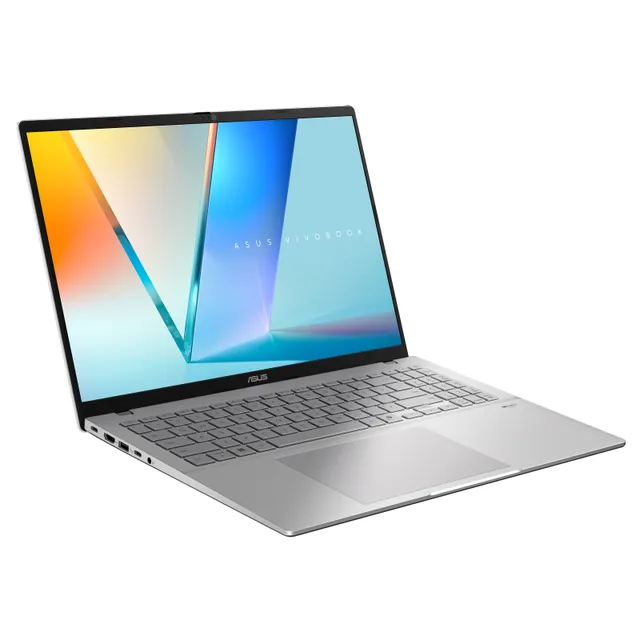
BEST STARTING POINT WITHOUT A GPU REQUIREMENT
ASUS Vivobook S16
Exact US model: M3607GA-DS79
Ryzen AI 7 445 · 32GB RAM · 1TB internal SSD · integrated Radeon
Start here for circuit and PCB coursework if your program allows integrated graphics. The 16-inch canvas helps when you need the schematic and reference open together.
Why we picked it · Pros & cons
BEST FIT FOR A SMALLER DAILY CARRY
Samsung Galaxy Book6 14
Exact US model: NP740VJG-KG3US
Core Ultra 7 355 · 16GB RAM · 512GB internal SSD · integrated Intel graphics
Choose this specific 14-inch configuration if portability is the priority and your heaviest work happens in a lab or on another machine.
Why we picked it · Pros & cons
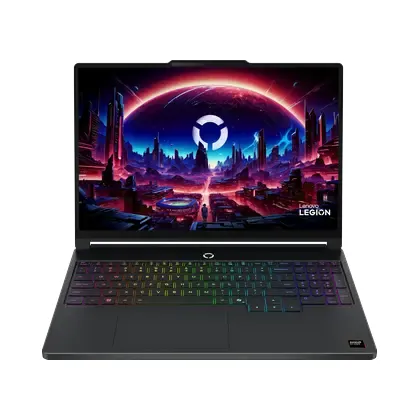
BEST FIT WHEN YOUR COURSE REQUIRES A DEDICATED GPU
Lenovo Legion 5a
Exact US model: 83Q70002US
Ryzen 7 250 · RTX 5060 Laptop GPU · 32GB RAM · 1TB internal SSD
Our first dedicated-graphics pick if you want 32GB out of the box for Windows engineering tools and a supported GPU workload.
Why we picked it · Pros & cons
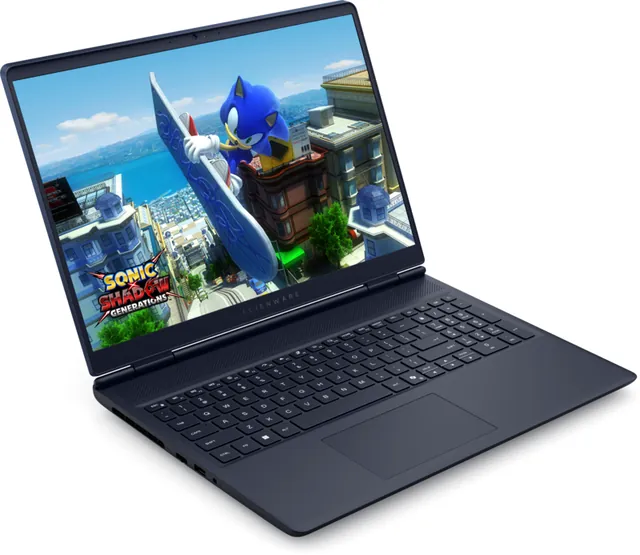
DEDICATED GRAPHICS WITH A DOCUMENTED MEMORY UPGRADE PATH
Alienware 16 Aurora
Exact US model: LAC16250-7469BLU-PUS
Core 7 240H · RTX 5060 Laptop GPU · 16GB RAM · 1TB internal SSD
Compare this with the Legion if you can start at 16GB and the total cost still makes sense after pricing a supported memory upgrade.
Why we picked it · Pros & cons
COMPARE FOR LONG LOCAL CPU-HEAVY RUNS
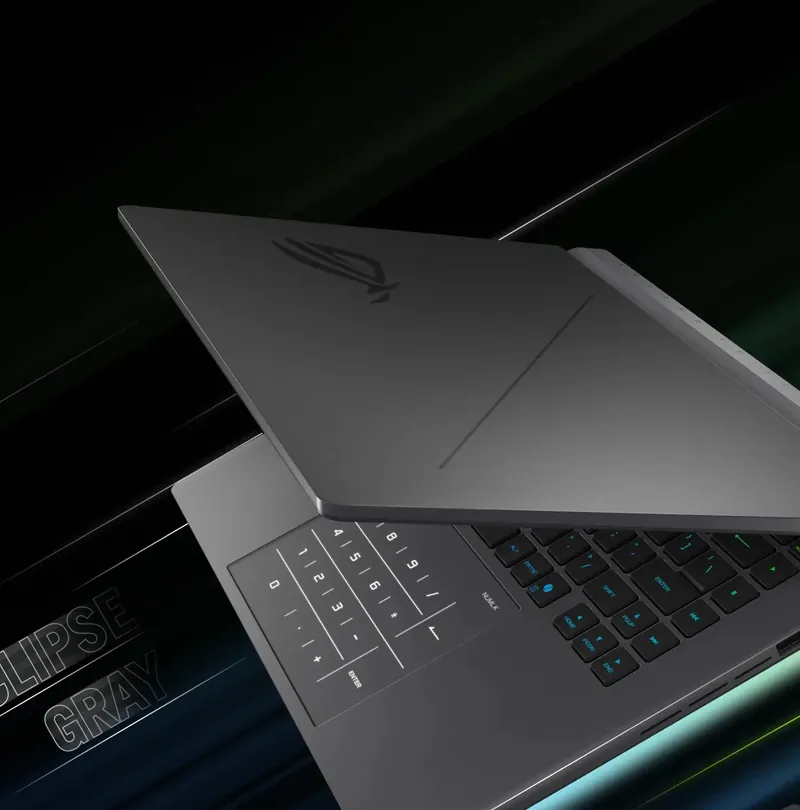
ASUS ROG Strix G16
Exact US model: G615JMR-AS74
Core i7-14650HX · RTX 5060 Laptop GPU · 16GB RAM · 1TB internal SSD
A conditional desk-first option when prolonged CPU work matters and you can justify the cost and battery trade-off against the other two GPU picks.
Why we picked it · Pros & cons
The five laptops side by side
These are the exact US configurations linked on the cards above. A storage or RAM change can turn the same product name into a different recommendation, so confirm the selected option before you pay.
| Laptop | Exact US model | Processor | Graphics | RAM | Storage | Best for |
|---|---|---|---|---|---|---|
| ASUS Vivobook S16 Starting point | M3607GA-DS79 | Ryzen AI 7 445 | Integrated Radeon | 32GB | 1TB SSD | Coursework when integrated graphics are allowed |
| Samsung Galaxy Book6 14 | NP740VJG-KG3US | Core Ultra 7 355 | Integrated Intel graphics | 16GB | 512GB SSD | A smaller 14-inch laptop if 16GB is enough |
| Lenovo Legion 5a | 83Q70002US | Ryzen 7 250 | RTX 5060 Laptop GPU | 32GB | 1TB SSD | First pick when a course requires dedicated NVIDIA graphics |
| Alienware 16 Aurora | LAC16250-7469BLU-PUS | Core 7 240H | RTX 5060 Laptop GPU | 16GB | 1TB SSD | Compare when a documented memory upgrade path matters |
| ASUS ROG Strix G16 | G615JMR-AS74 | Core i7-14650HX | RTX 5060 Laptop GPU | 16GB | 1TB SSD | A desk-first option for long local CPU-heavy runs |
Specs in this table match the cards. We did not add display sizes or other details that we have not confirmed for every model.
What electrical engineering software actually needs
Write down the application, release, license edition, target device or dataset, and whether your class requires it to run locally. Then set three gates: your school or employer allows the machine, the vendor supports your setup, and the machine can finish a representative job in acceptable time. Passing the first two does not prove the third.
Verify architecture, version and the lab drivers that have to work.
Measure paging during a project. Don’t use idle memory as your benchmark.
A department requirement or a supported feature is a reason. The words “engineering laptop” aren’t.
LTspice and KiCad: validate your existing laptop first
Analog Devices provides LTspice builds for Windows x64, Windows ARM and macOS, while KiCad documents its own platform and graphics requirements. Those choices say nothing about your FPGA tool or instrument driver. If these are the main programs you use, run a representative circuit and open a full board with your browser and other tools in the background. A good display and comfortable bench setup may be a better use of budget than discrete graphics.
MATLAB and Simulink: local data and supported functions decide the purchase
MATLAB R2026b for Windows lists 8GB minimum and 16GB recommended. That is MATLAB’s system guidance, not a recommendation to buy a 16GB laptop for every engineering course. If your datasets, toolboxes and browser share the same machine, budget for the whole session. A 32GB configuration gives more room without assuming what your scripts use.
Check the GPU requirements and whether the functions you use support GPU execution. If the data almost always stays on the CPU, paying for a bigger GPU may leave the real delay unchanged. If a GPU routine does matter, compare the workload and dedicated graphics memory, not the GPU name alone.
Altium Designer: installing is not the same as being supported
Altium’s recommended configuration includes Windows 11, 32GB RAM, an SSD and suitable DirectX graphics. Its support guidance excludes virtual machines and emulators. Do not count a compatibility-layer demo as an approved path for a graded project. Open a representative board, move between schematic and layout, and try the 3D view at the scale you will use. If the target program requires dedicated graphics, exclude the two integrated picks before comparing prices.
Vivado and Quartus: identify the target FPGA and slow stage
Vivado 2026.2 lists specific Windows and Linux releases. For a hardware purchase, record the exact FPGA and which phase is slow. RTL synthesis threading and implementation threading have different limits. A larger core count does not guarantee proportionally faster builds. An hour-long placement run, several simultaneous jobs and an introductory HDL exercise call for different budgets. The FPGA build process guide breaks out those stages.
Quartus Prime Pro 26.1.1 lists up to 140GB of free disk space for a full installation. Your edition and device package can differ. Add the OS, archives, build outputs and backups separately. I would not choose the 512GB pick for several large local toolchains without first pricing their storage requirements.
When 64GB makes sense: reproduce the same slow stage twice. Note the design, tool release, elapsed time, peak memory, paging and any out-of-memory error. If it spends the slow phase moving data to disk, investigate more RAM. If memory is free and the same process is CPU-bound, more memory is not the first remedy. For a workload that really needs 64GB, price a documented upgrade or a lab workstation rather than treating any 16GB or 32GB item above as a ready 64GB system.
HFSS and Maxwell: the license may be the real limit
Ansys Electronics Desktop Student has mesh and feature restrictions, a four-core limit and local-only solving. More cores or a larger GPU do not remove those restrictions. For a larger institutional or professional model, find the license and solver settings used on a similar project before specifying a laptop. If most large runs occur at a desk or in a lab, a portable computer plus access to that workstation can be a better fit than paying to carry the solver everywhere.
The compatibility and purchase checks that prevent returns
Mac, Windows on ARM and remote computing
Use the vendor’s release-specific support matrix, not merely the words “runs Windows.” Standalone MATLAB can run on Windows on ARM under Prism with limitations, and LTspice has a native ARM option. Neither establishes support for Vivado, Altium or your USB drivers. If you use Vitis Model Composer, confirm the supported MATLAB release in AMD’s matrix separately from the newest standalone MATLAB.
A Mac or ARM laptop can still be the right machine if approved remote resources cover the gaps. Before relying on them, check access hours, license availability, file transfer, access from home and whether you can work offline. Ask how the FPGA board or instrument is connected. Vivado’s remote Hardware Manager depends on the appropriate hardware-server version at the machine connected to the board. Compiling remotely is not the same as debugging a physical board from your seat.
Compare the delivered configuration, not the headline
Check the model code, processor, real internal storage, installed RAM, GPU and screen in the selected Amazon offer. A listing can change its default seller or mix reviews from 16GB, 32GB and accessory bundles. An included portable drive is not an internal SSD upgrade. For seller-modified machines, ask how changed parts affect the warranty. Compare the cost of the laptop, memory kit, installation, warranty, adapters and backup rather than ranking on a sticker price that can change.
Use the return window as a lab acceptance test
- Match SKU, RAM, SSD and GPU to the order in Windows. Save the order and configuration.
- Install your actual supported tool and driver versions. Run a small known-good exercise to verify setup, then a representative project to judge fit.
- Record elapsed time, memory pressure, failures and whether the machine is on mains power. Restarts or loss of data matter more than benchmark scores.
- Plug in the exact board, JTAG or USB-to-serial adapter and monitor you will need. Program or acquire data, sleep the laptop, wake it and repeat. Test the dock and a direct connection separately.
- Check whether keyboard, noise, display and charger bulk work in your actual classroom or bench. Restore one project from a separate backup.
- If a required feature fails, contact the appropriate support route or decide within the seller’s return terms. Do not let an unworkable lab setup become an expensive experiment.
Common questions about electrical engineering laptops
Is 16GB RAM enough for electrical engineering?
It can be enough for introductory assignments and approved remote work. Start a new general-purpose purchase at 32GB when feasible. Follow the official requirement if higher, and measure representative local tasks before assuming you need 64GB.
Do I need an NVIDIA GPU for Vivado or MATLAB?
Do not buy one just because Vivado compiles FPGA designs. For MATLAB, check the exact GPU-enabled functions, toolbox and supported hardware. A course can require dedicated NVIDIA graphics even when an individual task does not use it.
Is a gaming laptop a good engineering laptop?
Yes, for a workload or course that needs its hardware, if the weight, noise and support make sense. Choose the 32GB Legion over the two 16GB options when installed memory is an immediate requirement. Compare the Aurora or Strix when its actual configuration and total cost better fit your work.
Can I buy a MacBook for electrical engineering?
Yes only if the required course workflow is supported locally or through an arrangement the program approves. Check licenses and board access before buying. One working programming app does not prove that the rest of your lab will work.
How we chose these laptops
We started with actual Amazon US listings, compared the selected SKU and configuration with manufacturer documentation, then checked recent review evidence for the relevant variant. We excluded offers where seller text, storage selection or review evidence did not match. Reviews were a screening input, not controlled test results. We do not reproduce Amazon ratings or customer reviews here.
We verified software and school requirements against the linked primary sources. The picks are editorial recommendations for specific workloads, not firsthand testing or a speed leaderboard. We have not measured compile times, battery life or thermals on these units. The 2027 title reflects the buying season; the displayed research date tells you when we checked. Confirm the current seller, configuration, warranty and terms before ordering.
AI assisted with research organization and drafting. Read our editorial standards or send a correction. FPGA Tutorial is owned by Omar Khan. Ayesha Harris is editor in chief; this guide does not claim a specific test by her.
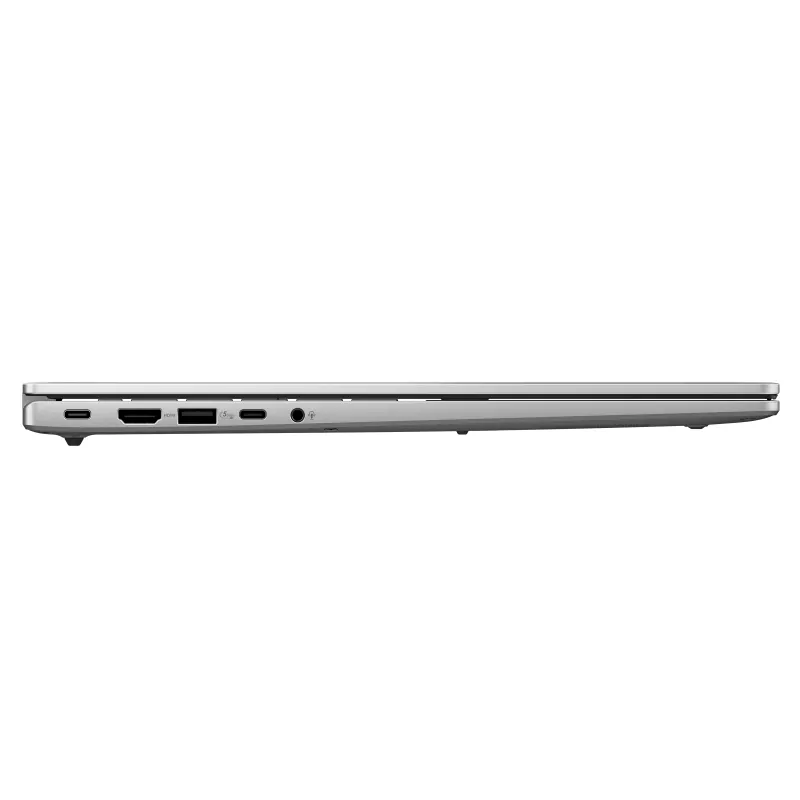
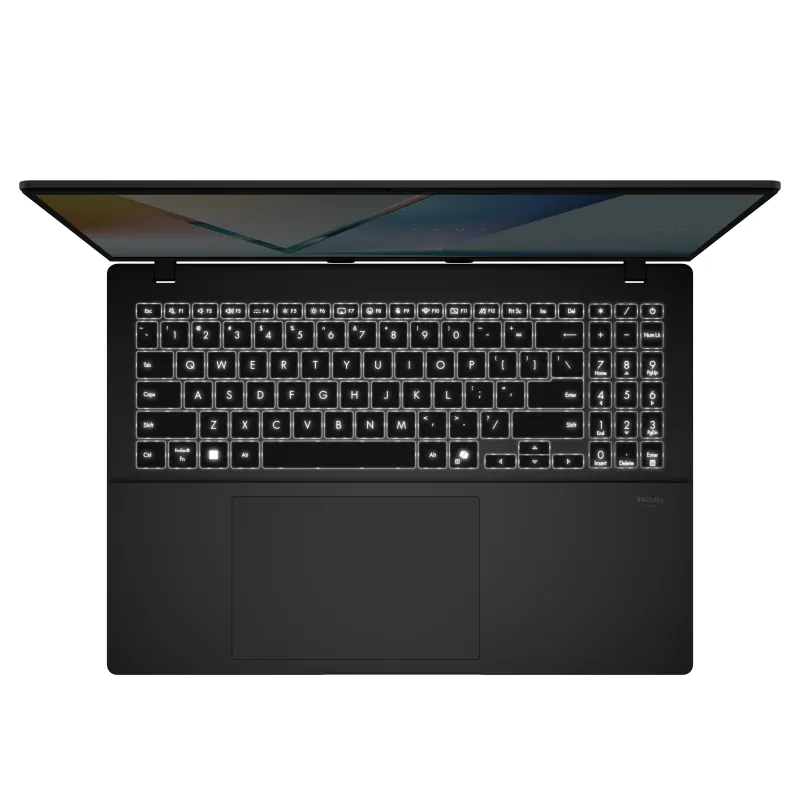
Product photographs: ASUS (Vivobook S16 M3607 and ROG Strix G16 2025), Samsung (14-inch Galaxy Book6 gallery), Lenovo (Legion 5 15AHP11 in Eclipse Black) and Dell (Alienware 16 Aurora AC16250). The Galaxy Book6 photo is from Samsung’s official 14-inch Book6 gallery; the US model we link is NP740VJG-KG3US. The Strix photo is cropped from an official 2025 G16 (G615) image to show a single unit; the linked model is G615JMR-AS74.

Leave a Reply